Hanlin 24 Inch Monitor
COMPACT, SLEEK DESIGN
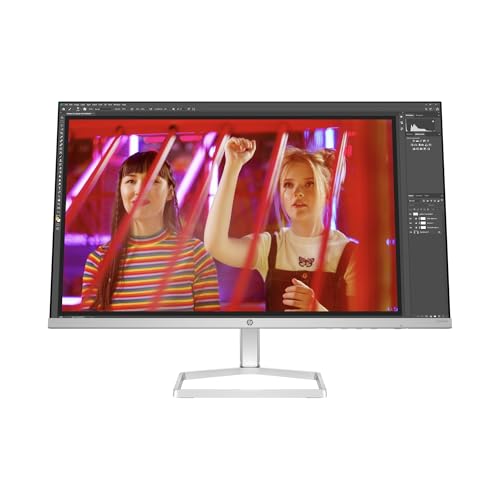
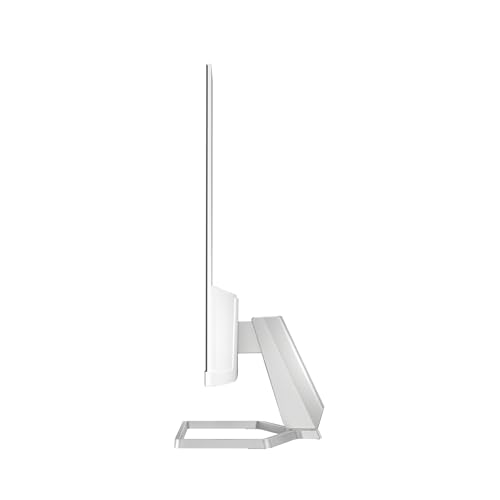
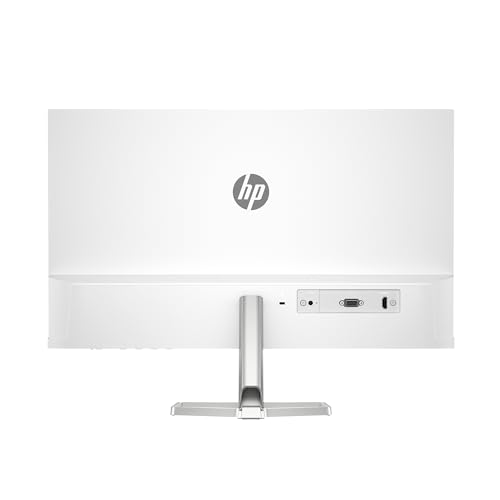
Experience a beautiful monitor that fits perfectly into any space. With a sleek, thin, and lightweight profile, it’s the perfect addition to your desk. The option for seamless side-by-side screens further enhances your workspace. The built-in cable containment system helps keep your setup tidy, reducing clutter and increasing efficiency.
FHD RESOLUTION
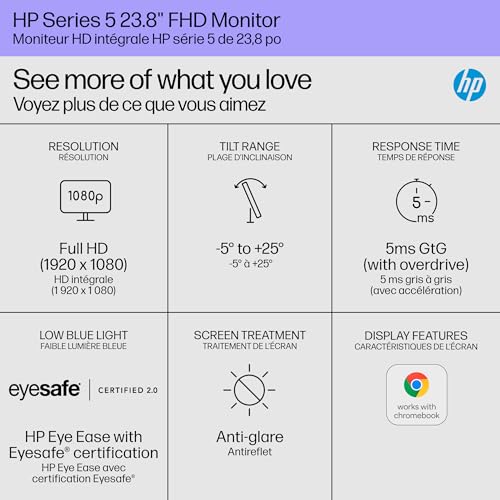
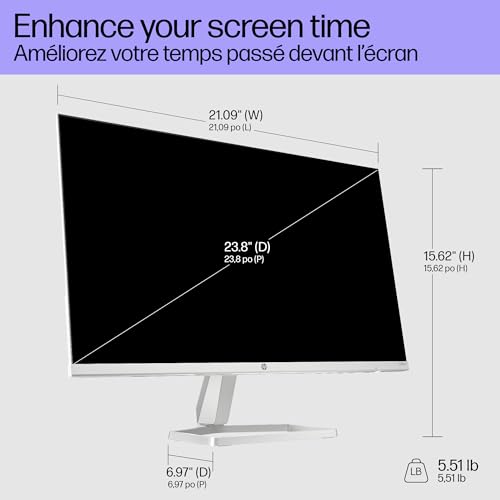
Capture every detail with sharp visuals and clear images. The 1920 x 1080 FHD resolution on our 23.8" diagonal monitor allows you to focus on the finer details, ensuring a crisp viewing experience.
IPS PANEL
Enjoy accurate and consistent colors from any angle. With wide 178-degree horizontal and vertical viewing angles, IPS technology ensures your images look great regardless of your position.
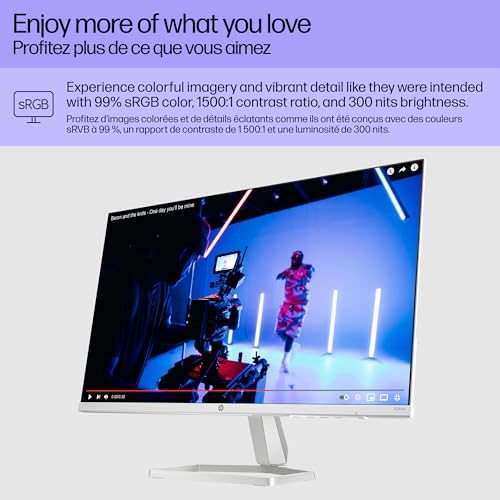
99% SRGB COLOR GAMUT
Achieve precise and consistent color reproduction effortlessly. This monitor is ideal for designers, photographers, or anyone who needs to ensure their colors are exactly right.
MORE CONTRAST
See the subtle differences in color, shadow, and highlights thanks to the enhanced 1500:1 contrast ratio. This technology ensures your visuals look richer and more vibrant.
300 NITS
With 300 nits of brightness, you can enjoy clear and vibrant visuals. Whether you’re working hard or simply enjoying entertainment, this monitor ensures you don’t miss a detail.
100 Hz REFRESH RATE
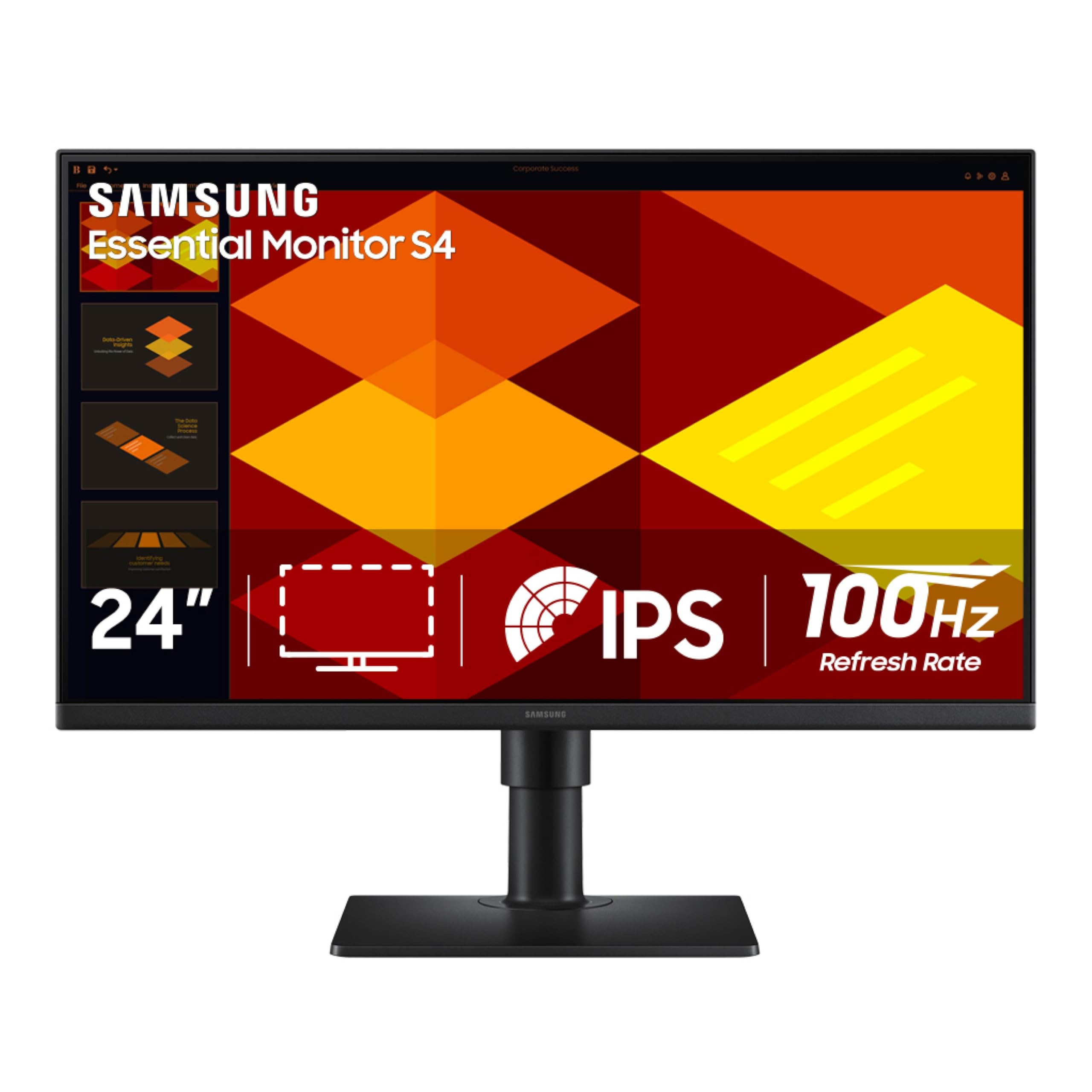
Experience smoother transitions and faster reactions with a 100 Hz refresh rate. This monitor is perfect for gaming, editing, or any task that requires quick and clear visuals.
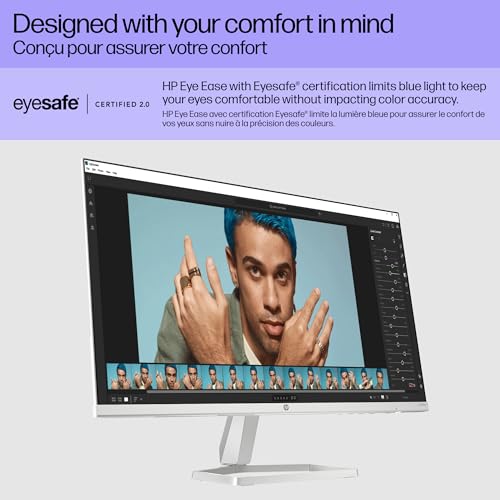
HP EYE EASE WITH EYESAFE CERTIFICATION
Protect your eyes with the always-on, true-color, low-blue light filter. This monitor is Eyesafe certified, helping you work longer without eye strain.
ADJUSTABLE TILT
Elevate your workspace with the tilt-adjustable stand. This feature helps you find the perfect viewing angle, maximizing productivity and comfort.
HP DISPLAY CENTER
Customize your display with ease using the intuitive HP Display Center software. Easily adjust settings and configure your monitor to suit your needs.


 New
 New
 New
 New
