


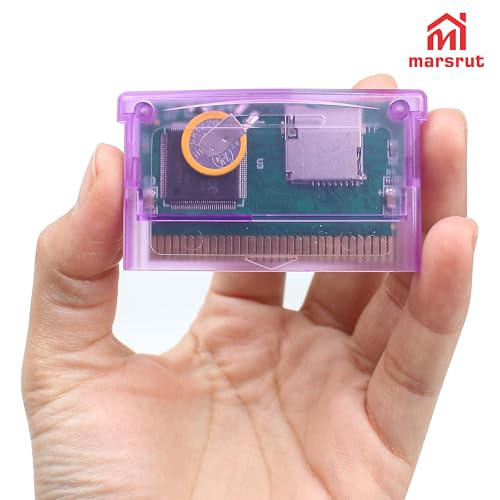
Gba 100
Make sure your SD card is formatted in FAT (FAT16) format; otherwise, it won’t be detected. This card format is crucial for compatibility with various devices.
Compatible with SD cards up to 2GB (maximum capacity). For best reliability, use a low-speed SD card. If your card isn’t recognized, it might be larger than 2GB or a high-speed SDHC type. Ensure you use the correct SD card, preferably the original one.
Avoid pressing the FOR GBA microswitch when inserting the card. This device works for GBA/SP/GBM/IDS/NDS/NDSL for Gameboy. Once inserted, the menu will appear on the screen.
For optimal performance, use a reliable SD card brand such as PNY. This device supports GB, GBA, and NES files through emulation (except for GBA, which runs natively).
Important: Avoid playing games or switching the SD card while the device is powered on, as this may harm the SD card. Always recharge after use to prevent damage. Note that Mini SD does not use the card directly; you must convert files before playing.


 New
 New
 New
 New
