Free Shipping--Secure Payment
Fio 5

Fio 5

CHUNGHOP 1PCS Replacement Remote Control for Verizon FiOS Systems, Version 2-5, Compatible with All FiOS Set Top Boxes,

$9.60 $12.99
New

Description

Feature Set


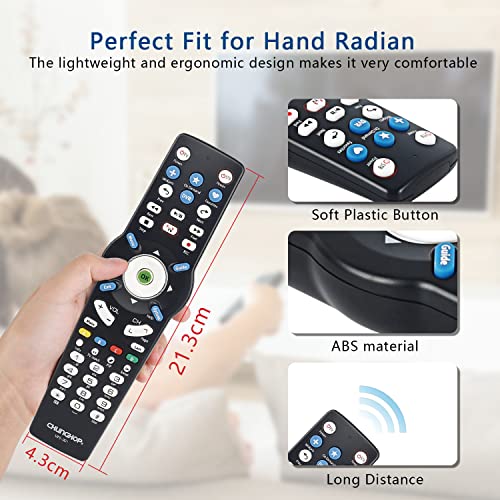
Perfect Remote Control for Verizon Cable Boxes

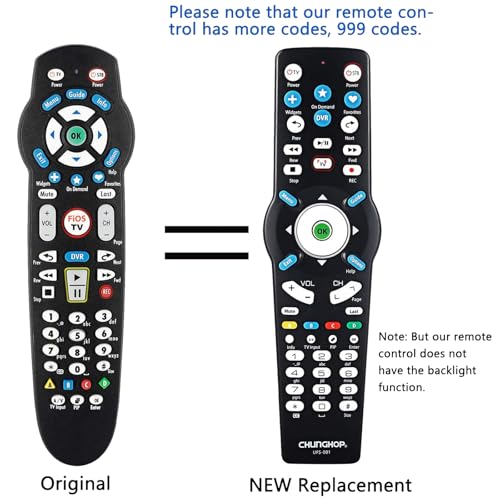
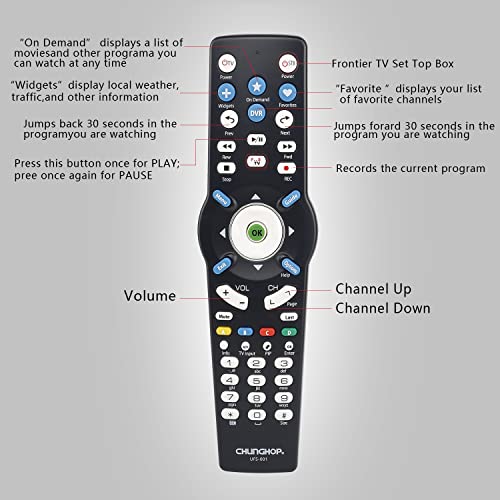
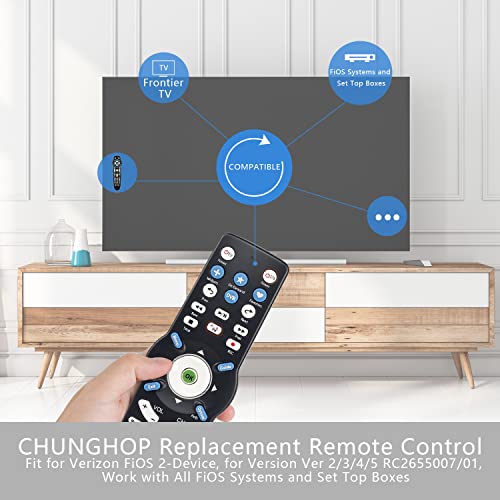
This remote control fits most Verizon cable boxes, including SD, HD, and DVR boxes. It also works with Verizon FiOS 2-Device and fios TV STB box. It’s compatible with RC1445302/00B and verizon fios remote control. (Please feel free to contact us if you have any questions during use!)

Our remote control for Verizon is compatible with over 200 TV manufacturers, featuring more than 999 codes. It brings you more convenience and is a perfect replacement for your Verizon remote fios control!

Package List:

  • 1 x Remote Control (Batteries are NOT included.)
  • 1 x Remote Control Manual.

Lost your original remote? Broke it? No problem! Just buy this replacement remote control, which works as well as the original one.

Detailed Usage Information

For detailed usage of the remote, please refer to the remote control manual or product description.

Quick Program Method:

  1. Turn on TV and frontier STB. Make sure you can see live TV.
  2. Locate the 3-digit code for your TV brand in the list to the right and circle the correct code.
  3. Press and hold the "OK" and "0" keys together.
  4. The RED LED on the remote will blink twice and then stay on.
  5. Enter the 3-digit TV code using the number pad. The RED LED will blink twice and then stay on.
  6. Press and release the "CH+" repeatedly until the TV turns off. You can "back up" by pressing the "CH-".

Code Search Method:

  1. Turn on TV and the frontier STB. Make sure you can see live TV.
  2. Press and hold the "OK" and "Live TV" together, then release both. The RED LED will blink twice and then stay on.
  3. Press and hold down the "PLAY/PAUSE".
  4. The remote will try a new TV code every second, and the RED LED will blink each time a new code is sent.
  5. When the TV turns off, stop pressing the "play/pause" right away.
  6. Press the "CH+" or "CH-" to go forward or back one TV code at a time.
  7. Test the remote. If all keys work, press "OK" to save. The RED LED will blink 3 times and turn off.

Enjoy the convenience and compatibility of this remote control for Verizon cable boxes!


Free Shipping Easy Returns Secure Payment